
 FoxDoo Technology
AI coding assistants are most useful when they understand your project constraints before they touch the code. Cursor Rules give small technical teams a repeatable way to define architecture, coding style, testing expectations, and safety boundaries so AI edits are easier to review.
The goal is not to make the assistant autonomous. The goal is to make every AI-assisted change more predictable: smaller diffs, fewer unrelated rewrites, clearer review notes, and fewer surprises in production code.
Use Cursor Rules when your team repeatedly gives the same instructions: which framework conventions to follow, which files should not be edited, which test commands matter, and when the assistant should ask before changing behavior.
What Cursor Rules Are
Cursor Rules are project instructions that tell the AI coding assistant how to work inside a specific codebase. Instead of repeating the same context in every chat, you can document expectations once and let Cursor apply them when generating code, editing files, or explaining changes.
A useful rule file usually covers:
- What the application does.
- The main language, framework, and package manager.
- Naming, formatting, and architecture conventions.
- Which directories are safe to edit.
- Which files require extra care.
- Test commands, lint commands, and review expectations.
- Boundaries where the assistant should ask before making changes.
For small teams, this turns AI coding from a personal prompt habit into a team workflow. Everyone can review the rules, improve them after incidents, and keep the assistant aligned with the way the project actually works.
When Small Teams Should Use Cursor Rules
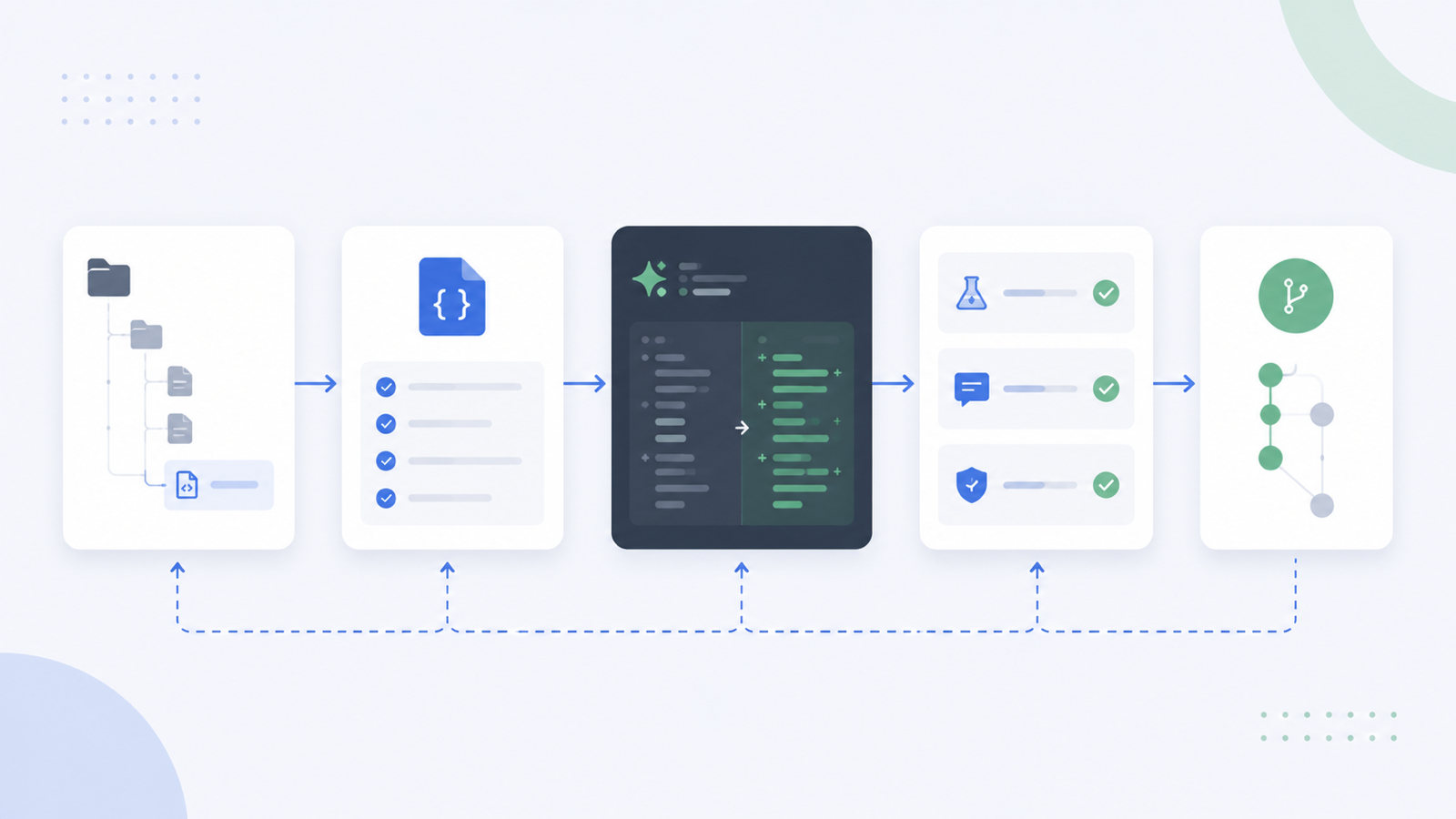
Cursor Rules are most valuable when a codebase has repeated constraints that are easy for an AI assistant to miss.
Use them for shared coding standards. If your team has strong opinions about naming, component structure, API design, or error handling, rules reduce the chance that every AI edit introduces a slightly different style.
Use them for framework conventions. A Next.js app, Laravel backend, WordPress plugin, or internal Python service may have project-specific patterns that generic AI responses will not know. Rules can point the assistant toward the right directories and away from legacy traps.
Use them for safety-sensitive files. Authentication, billing, migrations, environment configuration, and production infrastructure should not be casually rewritten. A good rule can require an explanation before touching those areas.
Use them for testing expectations. If every meaningful change should include a test, a lint run, or a specific local command, put that expectation into the rule file so the assistant does not treat tests as optional.
A Practical Cursor Rules Template
Use this starter structure as a baseline. Keep it short enough that a human reviewer can maintain it.
# Project Context
This project is a [type of app] for [audience/use case]. Prioritize small, reviewable changes.

# Tech Stack
- Language/framework: [example]
- Package manager: [example]
- Test command: [example]
- Lint command: [example]

# Coding Conventions
- Follow existing patterns before introducing new abstractions.
- Keep functions small and named for the business action they perform.
- Prefer clear error handling over silent failures.
- Do not add dependencies unless explicitly requested.

# File Boundaries
- Safe to edit: [directories]
- Ask before editing: [auth, billing, migrations, infrastructure, generated files]
- Never edit: [vendor, build output, secrets, lockfiles unless required]

# AI Edit Rules
- Explain the intended change before making broad edits.
- Do not rewrite unrelated files.
- Preserve public APIs unless asked to change them.
- Update tests when behavior changes.
- If requirements are ambiguous, ask before guessing.
This template should not replace your team’s review process. It simply gives the assistant better defaults before the first diff is created.
Example Rules for Safer AI Edits
Here are practical rules that reduce the most common AI coding problems:
- Do not rewrite unrelated files just to clean up style.
- Do not change public API names, database schemas, or authentication behavior without explicit approval.
- Do not invent environment variables, credentials, feature flags, or undocumented services.
- If a change touches billing, auth, data deletion, permissions, or production infrastructure, summarize the risk before editing.
- Keep generated code out of source edits unless the task is specifically about generated files.
- When fixing a bug, identify the likely root cause before applying a patch.
- When adding a feature, include or update tests that prove the behavior changed.
- If tests cannot be run locally, state exactly which checks were skipped.
These rules make AI assistance easier to audit. A reviewer can compare the assistant’s behavior against the documented workflow instead of relying on memory.
Common Mistakes
The first mistake is writing rules that are too vague. “Write clean code” does not help much. “Preserve the existing service/repository pattern and do not add new global state” is more useful.
The second mistake is treating rules as a replacement for code review. Cursor Rules can guide the assistant, but they cannot guarantee correctness. A human still needs to review behavior, security impact, and edge cases.
The third mistake is putting secrets into instruction files. Never include API keys, passwords, private tokens, client secrets, or production credentials in rules. The assistant only needs the names of required configuration values, not their values.
The fourth mistake is letting the assistant edit generated files or vendor directories. If a file is generated, change the source that generates it. If a dependency needs a patch, document the patch strategy instead of editing vendor code casually.
The fifth mistake is keeping outdated rules. If the app changes framework, testing strategy, or architecture, update the rules. Old instructions are worse than no instructions because they create confident but wrong edits.
Team Workflow Checklist
Before relying on Cursor Rules across a team, use this checklist:
- Store rule files in version control.
- Review changes to rules like code changes.
- Keep rules short, specific, and project-aware.
- Add test and lint commands that actually work.
- Document files or directories that require approval before edits.
- Add examples only when they clarify a real project convention.
- Remove outdated rules after architecture changes.
- Revisit rules after a bad AI edit and convert the lesson into a clearer instruction.
The best rules evolve from real review comments. If a reviewer keeps saying “don’t touch that file” or “we always structure this component differently,” that belongs in the rule file.
Where Cursor Rules Fit in an AI Coding Workflow
Cursor Rules work best as part of a broader review system, not as a magic switch. A healthy team workflow usually combines project rules, small prompts, code review, automated checks, and a clear rollback path.
If your team is comparing coding assistants, see our AI coding assistant comparison. If you want a more private setup for sensitive code, our guide to a private local coding assistant workflow explains when local models may make sense. For adjacent team operations topics, browse the IT ops guides.
FAQ
Do Cursor Rules replace prompts?
No. Cursor Rules provide reusable project context, while prompts still describe the specific task. The rule file should define the stable constraints; the prompt should define what you want done today.
Should every project use Cursor Rules?
Not always. A tiny throwaway script may not need them. They are most useful when a project has shared conventions, multiple contributors, sensitive files, or repeated AI-assisted edits.
Can Cursor Rules prevent all bad AI edits?
No. They reduce predictable mistakes, but they do not replace tests, code review, or careful rollout. Treat them as guardrails, not guarantees.
Should secrets be included in Cursor Rules?
Never include secret values in Cursor Rules. It is fine to mention that a project uses environment variables, but API keys, passwords, tokens, and private credentials should stay out of prompts and rule files.
How often should teams update Cursor Rules?
Update them whenever review feedback repeats, project architecture changes, or the assistant makes the same kind of mistake more than once. The rule file should stay close to how the team actually works.