
 FoxDoo Technology
2026 update: A self-hosted LLM is most useful when a small team has a clear privacy, cost-control, offline, or workflow-integration reason. It is not automatically better than a managed AI tool. Use this checklist to decide whether local infrastructure is worth maintaining before moving sensitive work away from cloud assistants.
Self-Hosted LLM Decision Framework for Small Teams
Before installing a model server, separate the business reason from the technical curiosity. A self-hosted LLM can be valuable when it protects sensitive context, reduces repeated API costs, supports offline work, or gives a technical operator more control over model behavior. It becomes a distraction when the team only wants general writing, search, or productivity help that a managed tool already handles well.
| Reason to self-host | Good fit | Warning sign | First checkpoint |
|---|---|---|---|
| Source-code privacy | Private coding workflows and repo Q&A | No review process for generated code | Define what code can enter prompts |
| Internal knowledge search | Policies, SOPs, tickets, docs | Messy documents and unclear permissions | Clean access rules before indexing |
| Cost control | High-volume repeated summaries or classification | Low usage that will not justify maintenance | Estimate monthly requests and hardware cost |
| Offline or edge use | Field work, restricted networks, local tools | Users still need cloud-only integrations | Test the offline workflow end to end |
Implementation Path: Start Small, Then Connect Workflows
The safest rollout is a narrow pilot, not a full internal AI platform. Pick one repeatable job: summarizing internal docs, helping developers reason about a private codebase, classifying support requests, or drafting SOP updates. Measure accuracy, speed, user adoption, and maintenance effort before adding more use cases.
- Choose one business workflow and one owner.
- Define data that is allowed, restricted, and never allowed in prompts.
- Run a small model locally or on a controlled server with test documents.
- Compare quality and latency against a managed tool.
- Add a human review step before outputs affect customers, code, or operations.
- Only then connect the model to automation workflows or internal tools.
For coding-specific privacy decisions, compare this checklist with FoxDoo Technology’s Claude Code local LLM workflow and the ChatGPT vs Claude vs Gemini coding comparison. For broader stack selection, see the AI tools for small teams guide and the Zapier vs Make vs n8n automation comparison.
FAQ: Self-Hosted LLMs for Small Businesses
Is a self-hosted LLM cheaper than using an AI API?
Not always. Self-hosting can reduce marginal request costs for high-volume repeatable workloads, but hardware, setup time, maintenance, monitoring, backups, and troubleshooting still cost money. For low-volume teams, a managed AI tool is often cheaper.
Does self-hosting automatically solve privacy?
No. Self-hosting gives more control, but privacy still depends on access permissions, logging, backups, user behavior, prompt handling, and whether sensitive data is copied into other systems. Treat it as an infrastructure and governance project, not just a model install.
What should a small team self-host first?
Start with a low-risk internal workflow such as document Q&A over sanitized SOPs, private development notes, or draft summaries that humans review. Avoid customer-facing autonomous responses until quality, logging, and escalation rules are proven.
Browse FoxDoo Technology’s AI Tools and IT Ops guides for more practical implementation checklists.
TL;DR
A self-hosted LLM can make sense for a small business when the team has sensitive data, predictable internal AI workflows, and someone responsible for infrastructure operations. It is not automatically cheaper, safer, or better than a managed AI API.
For most small teams, the right starting point is a limited pilot: choose one low-risk internal workflow, run it in draft-only mode, measure quality and maintenance time, and compare it against a managed cloud assistant before committing to production.
Direct Answer: Should a Small Business Self-Host an LLM in 2026?
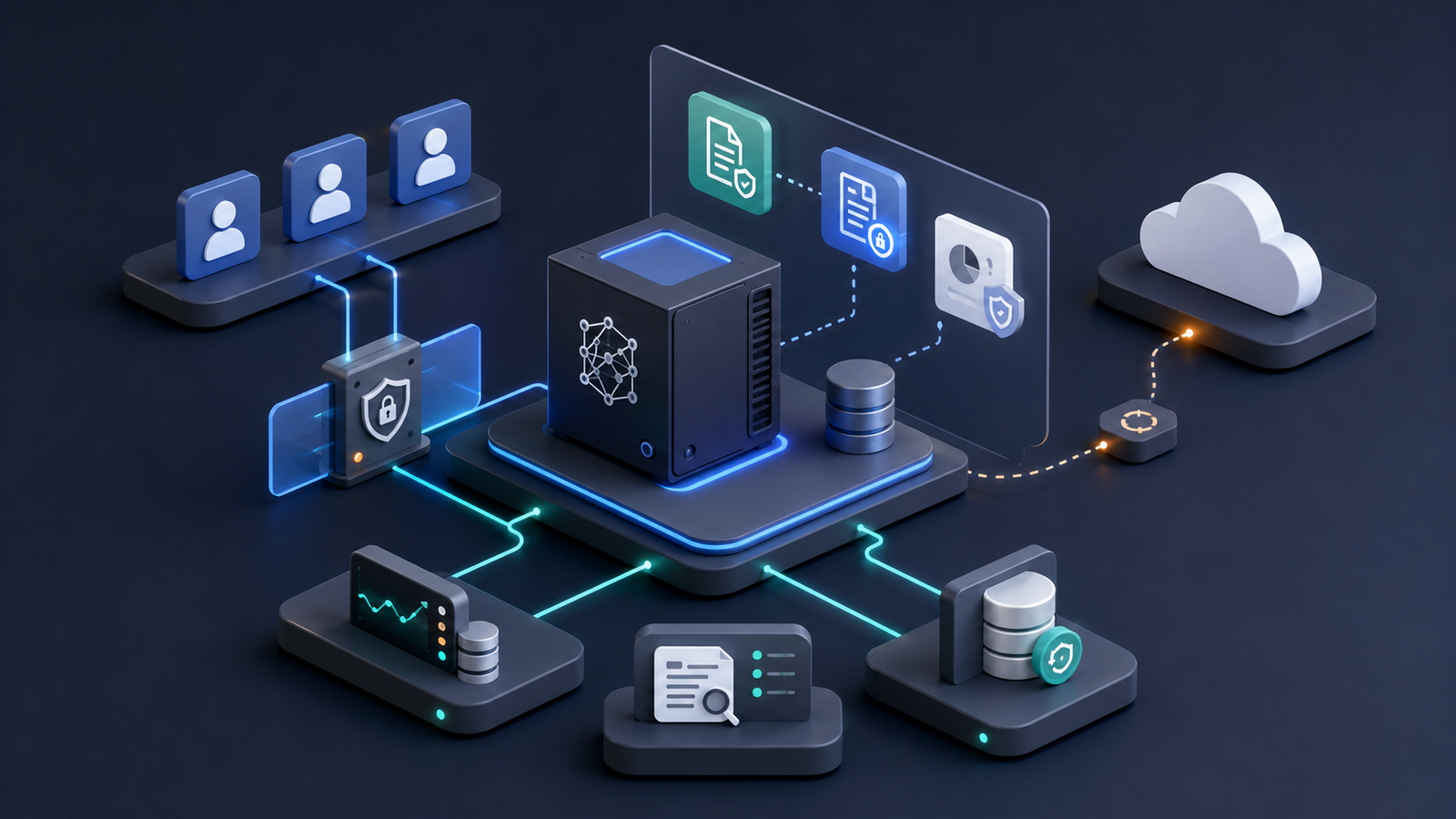
A small business should consider self-hosting an LLM in 2026 if it has:
- sensitive internal or client data that should stay under tighter control,
- a technical owner who can maintain infrastructure,
- repeatable workflows that justify the setup effort,
- clear access-control and logging requirements,
- and a fallback plan when the local model is unavailable or underperforms.
A small business should avoid self-hosting if it needs AI deployed quickly, lacks infrastructure ownership, has unclear data policies, or expects cloud-model quality with zero maintenance. In those cases, a managed AI assistant or API is usually the safer first step.
Why Self-Hosted LLMs Are an Operations Decision
Self-hosted AI is often framed as a model choice: which open model, which GPU, which benchmark score. For a small team, that is the wrong starting point.
The real decision is operational. Someone must own uptime, upgrades, access control, backups, monitoring, user training, and failure handling. If the model gives a weak answer, leaks internal context to the wrong user, or becomes unavailable during a client deadline, the business needs a process—not just a faster machine.
That is why self-hosted LLMs fit best when the business has a clear operational reason:
- private internal documentation search,
- draft generation for support or account teams,
- local coding assistance,
- controlled analysis of internal notes or policies,
- or AI workflows that must stay inside a defined network boundary.
For example, FoxDoo’s guide to a private local LLM coding workflow is a stronger fit than a vague “AI for everything” deployment because the user, data type, and workflow boundary are clear.
The 10-Point Self-Hosted LLM Readiness Checklist
Use this checklist before buying hardware or rewriting internal processes around a local model.
1. Data Sensitivity
Start by classifying the data the model will touch. A self-hosted LLM is more compelling when the workflow involves confidential client files, internal processes, proprietary code, legal-like documents, HR notes, or private operating procedures.
But “private” does not mean “safe by default.” A local model can still expose information through poor permissions, bad logging, prompt history, shared accounts, or insecure integrations.
Minimum readiness questions:
- What types of data will users submit?
- Which data should never enter the model?
- Who can see prompts, responses, logs, and uploaded files?
- How long is interaction history retained?
- Is there a deletion process?
If the team cannot answer these questions, start with non-sensitive internal knowledge first.
2. Use-Case Clarity
Self-hosting becomes expensive when the business starts with a vague goal like “we need a private ChatGPT.” Start with one workflow and one success metric.
Good pilot use cases include:
- answering questions from an internal handbook,
- summarizing non-sensitive support notes,
- drafting standard operating procedures,
- helping developers search local documentation,
- or turning internal meeting notes into draft task lists.
Weak first use cases include:
- fully autonomous customer replies,
- financial or legal advice without expert review,
- workflows that require perfect accuracy,
- or anything involving sensitive data before access controls are tested.
3. Technical Ownership
A self-hosted LLM needs an owner. This does not have to be a full platform team, but it cannot be “whoever installed it last month.”
The owner should understand:
- model/runtime updates,
- service restarts,
- monitoring alerts,
- user access changes,
- backup and restore,
- security patches,
- and incident escalation.
If no one can own those responsibilities, managed AI tools are usually a better fit until the business has technical capacity.
4. Hardware and Runtime Fit
Do not size hardware based only on benchmark screenshots. A small business should size for realistic concurrency, context length, response speed, reliability, and maintenance.
A practical first setup might be a single reliable inference node for low-concurrency internal use, plus a backup path. For teams experimenting with Ollama or similar local tooling, the better question is not “what is the biggest model we can run?” It is “what is the smallest reliable setup that solves the pilot workflow?”
For hands-on local setup patterns, see FoxDoo’s Ollama local LLM setup techniques.
5. Model Quality Expectations
Local and self-hosted models can be excellent for specific workflows, but teams should not assume they will match the latest managed frontier models across every task.
Before production, test the model on real examples:
- short questions,
- long documents,
- edge cases,
- ambiguous requests,
- domain-specific terminology,
- and tasks where “I don’t know” is the correct answer.
Keep a lightweight evaluation set. If the model changes, rerun the same tests before rolling it out.
6. Access Control
A private AI assistant should not become a private data leak. Access control matters even when everything runs on your own server.
At minimum, define:
- user roles,
- which users can upload files,
- which users can query shared knowledge bases,
- whether prompts are stored,
- whether admins can review conversations,
- and how offboarding works when an employee or contractor leaves.
For client-service teams and agencies, separate client workspaces are especially important. One client’s context should never appear in another client’s assistant.
7. Logging, Monitoring, and Reliability
Without monitoring, the team will not know whether the system is useful or failing silently.
Track practical operating metrics:
- uptime,
- response latency,
- error rate,
- queue depth,
- token or context usage,
- user adoption,
- repeated failed prompts,
- and human correction rate.
For a small team, the goal is not enterprise-grade dashboards on day one. The goal is enough visibility to answer: is this assistant saving time, creating risk, or being ignored?
8. Cost Model
Self-hosting is not just hardware cost. A realistic monthly model includes:
- hardware or cloud infrastructure,
- electricity and cooling when on-prem,
- backups,
- monitoring,
- security maintenance,
- implementation time,
- troubleshooting,
- and opportunity cost.
Managed APIs may look expensive at high usage, but they also remove a large amount of operational burden. Self-hosting becomes more attractive when usage is predictable, data boundaries matter, and the team can keep the system stable.
9. Fallback Plan
Every self-hosted LLM pilot needs a fallback. The model may be slow, unavailable, inaccurate, or insufficient for certain tasks.
Fallback options include:
- switching to a managed AI API for approved tasks,
- routing complex requests to a human reviewer,
- using a smaller internal model for simple tasks only,
- or turning the assistant off for sensitive workflows until fixes are complete.
This is especially important if your team is comparing local systems with cloud coding assistants. Before going fully local, it can help to compare cloud AI coding assistants and understand what quality bar users already expect.
10. Governance and Review Cadence
A self-hosted LLM should have a review cadence from the beginning. Otherwise, the pilot becomes abandoned infrastructure.
A simple monthly review can cover:
- what workflows used the assistant,
- what users found useful,
- where the model failed,
- whether data policies were followed,
- what costs changed,
- and whether the pilot should expand, pause, or shut down.
For teams building internal AI operations, this review belongs next to other infrastructure and automation checks—not in a one-off innovation folder.
Recommended Pilot Workflow for Small Teams
Here is a conservative 30-day pilot plan.
Week 1: Define the Boundary
Choose one internal workflow. Document the user group, allowed data, forbidden data, success metric, and fallback process.
Example: “Use a self-hosted assistant to answer questions from internal IT documentation. No client files, no HR files, no production secrets. Success means operators find answers faster without escalating routine questions.”
Week 2: Build a Minimum Viable Assistant
Set up the smallest reliable stack that can answer the pilot workflow. Keep permissions narrow. Do not connect every internal system on day one.
Week 3: Run Draft-Only Tests
Use real but low-risk examples. Require human review before any output becomes customer-facing, operationally binding, or added to documentation.
Week 4: Review Against Managed Alternatives
Compare the self-hosted assistant against a managed cloud assistant on quality, speed, maintenance time, privacy fit, and total cost. The goal is not to prove self-hosting is better. The goal is to decide honestly.
Self-Hosted LLM vs Managed AI API: Practical Rule of Thumb
Use a managed AI API or SaaS assistant when:
- speed matters more than infrastructure control,
- the team has limited technical capacity,
- data policy allows trusted vendors,
- usage is uncertain or spiky,
- or users need high general-purpose model quality immediately.
Use a self-hosted LLM when:
- sensitive data boundaries are a real business requirement,
- workflows are repeatable and narrow,
- usage is predictable enough to justify fixed operations,
- the team has infrastructure ownership,
- and the business accepts that model operations are now part of the system.
Common Mistakes to Avoid
Mistake 1: Treating Self-Hosting as Automatically Secure
A poorly configured local assistant can be less secure than a well-governed managed tool. Security comes from access control, logging, policies, patching, and review—not from location alone.
Mistake 2: Starting With Too Many Integrations
Connecting email, CRM, file storage, chat, tickets, and databases immediately creates too many failure paths. Start with one knowledge source or one workflow.
Mistake 3: Ignoring Human Review
For small teams, the safest early pattern is draft-only output. The assistant can summarize, suggest, and prepare. A person approves anything that affects customers, finances, legal commitments, or operations.
Mistake 4: Forgetting Maintenance Time
If no one budgets time for updates, monitoring, backup checks, and user support, the system will decay. A self-hosted LLM is infrastructure.
FAQ
Is a self-hosted LLM cheaper than ChatGPT or managed APIs?
Not always. It can be cheaper at predictable high usage, but many small teams underestimate maintenance time, hardware, monitoring, backups, and troubleshooting.
Is self-hosting an LLM more private?
It can provide more control, but privacy depends on configuration. Access control, logging, retention, workspace separation, and user training still matter.
What is the best first self-hosted LLM use case for a small business?
A non-sensitive internal knowledge assistant is often the best first pilot. It creates value without immediately exposing customer-facing or high-risk workflows.
Should a non-technical small business self-host an LLM?
Usually not without managed support or a clear technical owner. Non-technical teams are usually better served by managed AI tools until the operational case is stronger.
Can self-hosted LLMs replace cloud AI assistants?
Sometimes for narrow internal workflows, but not always for broad reasoning, coding, writing, or multimodal tasks. Many teams use a hybrid model: local for private internal workflows and managed tools for approved general tasks.
Final Takeaway
A self-hosted LLM is not a shortcut to private AI. It is an operations project. For a small business, the best decision is to start with a narrow pilot, measure usefulness and maintenance effort, and only expand when the workflow, data boundary, and owner are clear.
If the business has sensitive data and technical ownership, self-hosting can become a durable advantage. If not, a managed AI assistant is often the more practical path.